Event
The Future of Data Storytelling using AI, Power BI, and Office

Watch the on-demand recording to be at the forefront of the AI revolution:

  • Watch the first-ever Zebra AI live demo
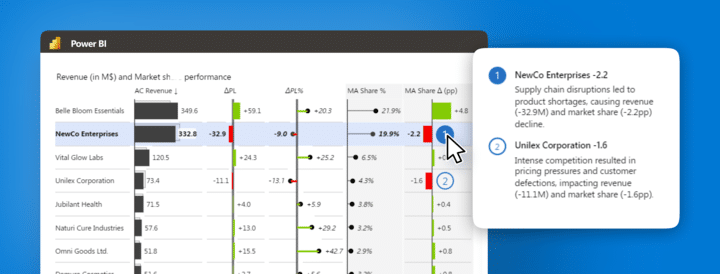
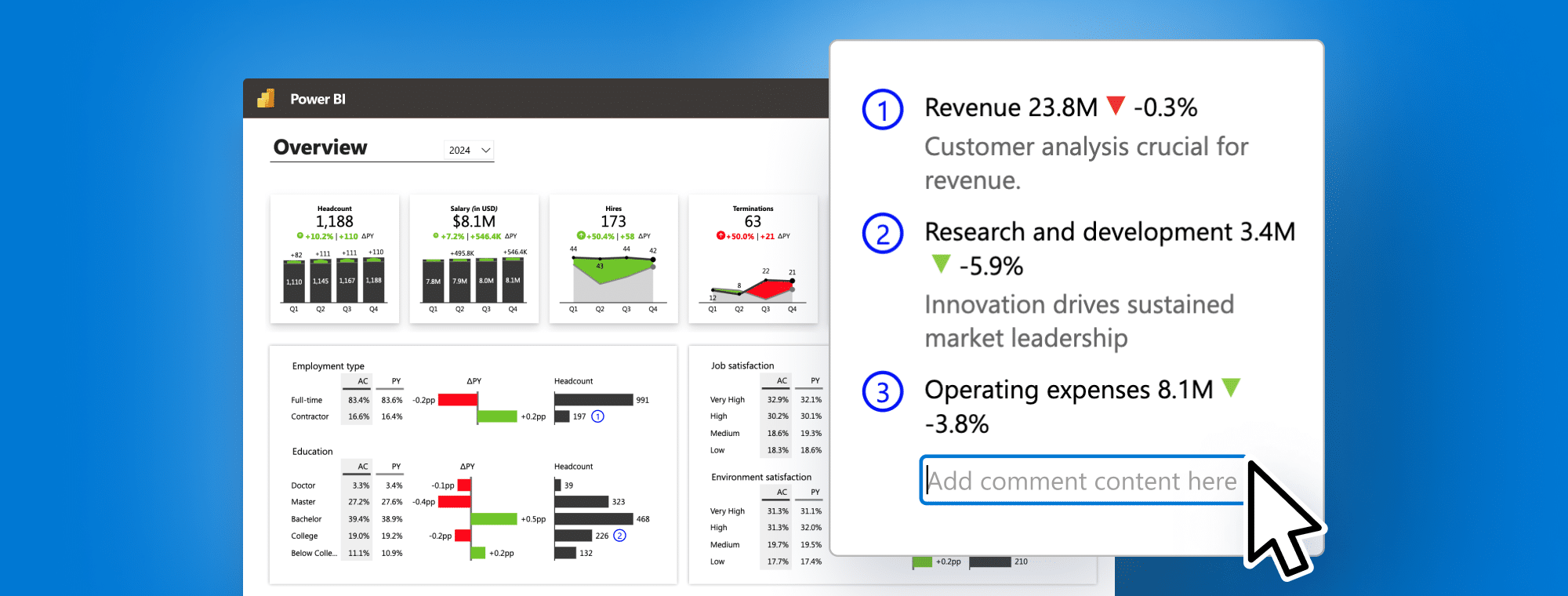
  • Discover the annotations feature with Zebra BI in Power BI
  • See how data storytelling in Excel & PowerPoint can change your ways of doing reports
  • Reporting best practices for 2024

The future is here. Be among the first to witness how Zebra BI will transform the way you narrate your data in 2024 in Power BI, Office, or using AI.

Start your free trial of Zebra BI today and get a glimpse into the future by joining the Zebra AI waitlist.

What's included

Full video recording
Access to AI waitlist
Enjoy & thank you for watching! Don't hesitate to reach out if you have any questions — write to us at [email protected]!

Presenter

Andrej Lapajne

Founder & CEO at Zebra BI

Watch the Video

Join AI waitlist
The future is here. Secure your spot on the VIP waitlist.
Join AI waitlist
Share this

Your Questions

Here are some of the questions that came up during our live session. Thank you for being such a proactive audience. Have more questions? Drop us a note at [email protected]!
Can I use Zebra AI now?

You can join our waitlist at https://zebra-ai.com/waitlist.

How can you embed Power BI report to PowerPoint?

PowerPoint has a built in embed for Power BI --> in the ribbon go to 'Insert' tab and find Power BI, there you can simply paste in the link to the report.

But you can also create a PowerPoint slide deck with direct connection to either the whole report page or just link a single Power BI visual from Power BI service side --> if you need some help with this, you can ask for help on [email protected] and we will be happy so show you how.

Will the comments change when the month/year on the visual changes also? Same for MTD/YTD...

Yes. When comments are added they are done so by considering the filter context.

Are we able to use these charts as pictures included within our reports, even if the viewer doesn't have a Zebra BI license?

All viewers will see the reports normally, even if they don't have Zebra BI add-ins installed.

Ready to start uncovering actionable insights from your data?

Explore Zebra BI for Office and Power BI, or start a trial instantly and test our tools on your data. You can also contact us to help you build your first test report and create a custom package for your business.

More Trending Webinars

New
September 12, 2024
Master Cost Management: Elevate Reporting, Tracking, and Efficiency
Master cost management with Zebra BI. Discover advanced techniques to optimize financial reporting, enhance budgeting accuracy, and make smarter, data-driven business decisions for long-term success.
Watch now
May 23, 2024
Mastering Brand and Product Portfolio Analysis in Power BI
Unlock the power of product portfolio analysis with Zebra BI in Power BI. Learn to visualize and analyze product performance, identify growth opportunities, and drive strategic business decisions with data-driven insights.
Watch now
April 18, 2024
Commentary Revolution: Transforming Power BI Dashboards with Dynamic Comments
Join our webinar to explore the easiest way so far to do dynamic commentary in Power BI for clearer insights, quicker decisions, and smoother meetings.
Watch now
New
PowerPoint
October 26, 2023
How to create board meeting PowerPoint slide decks like a consultant in 2023
After gathering all the data you need it's time to present it effectively to your managers. And this doesn't mean using many different shapes and colors that tell nothing. Learn practical tips for a professional-looking and actionable PowerPoint slide deck.
Watch now
September 14, 2023
From Data to Decisions: Real-Life Fortune 500 Financial Analysis with Power BI
This webinar is all about financial analysis in Power BI. Take a look at the performance of some of the biggest Fortune 500 companies and use these practical examples to apply them to your data. Don't just create reports, generate insights.
Watch now
Browse All Resources